

GPT-5.5 Multimodal for Fiction Writers: Images, Cover Art, and Scene Description
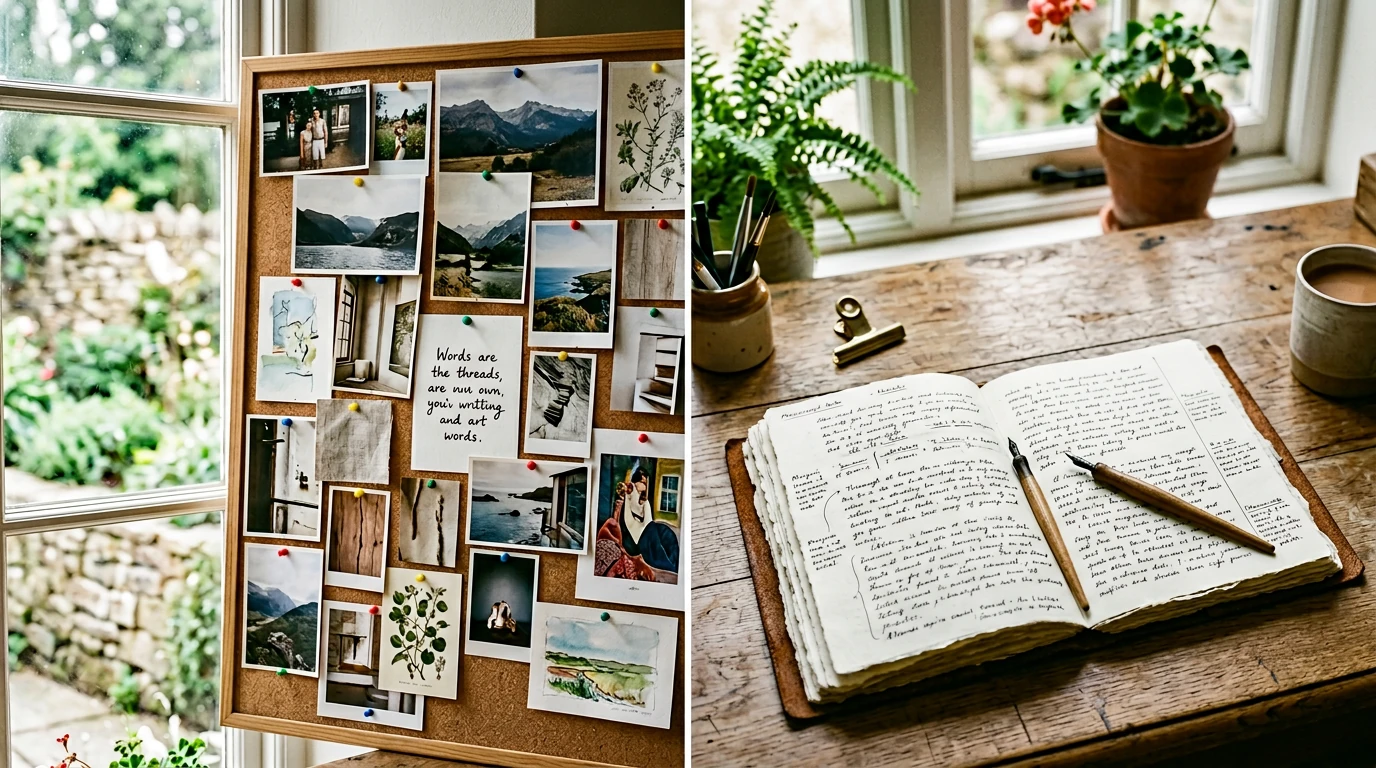
Fiction writers are visual thinkers who spend most of their working hours in text. You collect reference images—a face that looks like your protagonist, an architectural photo that matches your world's aesthetic, a color palette that captures your story's mood—but those images live in a folder on your desktop, completely disconnected from the manuscript.
GPT-5.5's multimodal capabilities change that relationship. The model can receive images as input and reason about them alongside text—which opens a set of fiction workflows that were genuinely impossible with text-only AI: describing visual references for scene consistency, analyzing cover art to match prose tone, extracting environmental details from reference photos, and briefing illustrators or AI image tools with prose that actually matches what you see.
This article focuses on the practical fiction applications—not the technical architecture. And it connects multimodal workflows to the structured writing environment in SeaBell, where the descriptions and reference outputs you generate can feed directly into character cards, scene memos, and the ongoing draft.
Multimodal capabilities and access tiers for GPT-5.5 vary by plan and region. Check OpenAI's current documentation for what your subscription includes before building a workflow around image input.
⚡ Quick answer
🔹 Use multimodal to bridge your visual references and your prose
GPT-5.5's image input is most useful to fiction writers not for generating images, but for reading them—extracting what you see into prose that can be stored in your reference layer, used to brief collaborators, or fed back into scene drafts. The goal is closing the gap between the visual world in your head and the words on the page.
🖼️ Workflow 1: Building character appearance cards from reference images
🔹 Turn a Pinterest folder into a usable character record
Most authors have a loose collection of face references—actors, models, or art that suggests what a character looks like. The problem: these images cannot be pasted into chapter drafts or referenced by text-based AI tools.
The workflow:
1. Upload your reference image(s) to GPT-5.5
2. Prompt: "Describe this person's physical appearance in 150 words as if writing a novel character description—precise but not clinical. Focus on the features that would read as distinctive at first meeting."
3. Edit the output to match your story context (remove real-world references, adjust details)
4. Save the result directly into your SeaBell character card for that character
Now every time you draft a scene featuring that character, you pull from the same card. Consistency is structural, not dependent on your memory of a photo you saved eighteen months ago.
🏙️ Workflow 2: Extracting setting details from location references
🔹 Turn architectural photos into world-building material
A photo of a Victorian townhouse, a Japanese alley at dusk, a brutalist government building—these are common reference images for fiction writers. But the prose needed to render them in a scene is rarely obvious from looking.
The workflow:
1. Upload a location reference image
2. Prompt: "Describe this location for a fiction writer in 3 layers: (a) first impression as a stranger enters, (b) sensory details beyond the visual—sounds, smells, textures, temperature, (c) the emotional register this space would create in a scene of tension vs. comfort."
3. Store the layered description in a SeaBell location memo
4. When drafting scenes set in that location, reference the memo to pull sensory details that remain consistent across chapters
The three-layer prompt is particularly effective because it separates visual description from sensory immersion from emotional staging—three things that different scenes need in different proportions.
📚 Workflow 3: Cover art analysis and prose-tone matching
🔹 Make your book's visual identity speak to your text style
Self-publishing authors increasingly commission or generate their own covers. The challenge: cover art and prose tone often diverge because they were developed independently. A dark, moody cover sells a book; if the prose is brightly ironic, readers feel deceived.
The workflow:
1. Upload a cover art candidate (your design or a reference)
2. Prompt: "Analyze this cover image and describe the emotional register, genre signals, and reader expectations it sets. Then compare with this opening passage [paste 200 words of your prose]. Do the two communicate the same promise to a reader?"
3. Use the gap analysis to either revise the cover brief or flag prose sections that need tonal adjustment
4. Save the cover analysis as a SeaBell project memo to anchor tone decisions during revision
🎨 Workflow 4: Briefing AI image generators with precision
🔹 Better image prompts from better scene understanding
SeaBell's Image Creation feature and standalone AI image tools both take text prompts. The quality of what you get back depends heavily on the precision of what you describe. GPT-5.5's multimodal capability can work in both directions here: analyze existing images to extract prompt-able details, and analyze your draft scene description to suggest what image prompt would render it faithfully.
Prompt: "Based on this scene description [paste], write an image generation prompt (under 100 words) that would produce a faithful visual. Include lighting, composition, mood, and style keywords. Do not include character names—describe visual attributes only." The result feeds directly into SeaBell's Image Creation or any external generator you prefer.
🌊 How SeaBell holds the multimodal outputs together
🔹 Multimodal generates; SeaBell organizes
The workflows above all share one pattern: GPT-5.5 reads an image and produces a text artifact (character description, location memo, tone analysis, image prompt). Those artifacts only add value if they are organized somewhere accessible—not buried in a chat thread you will never find again.
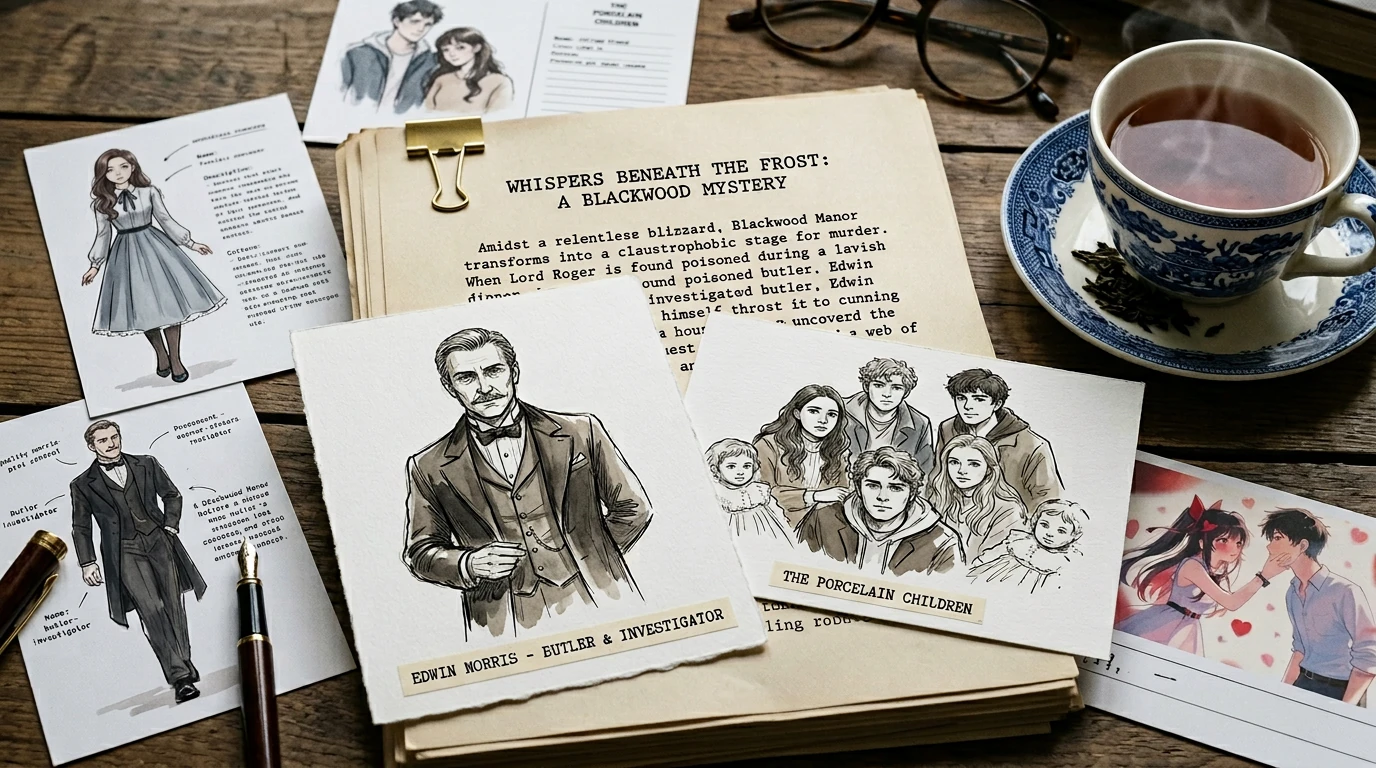
SeaBell's Character Square, term cards, and project memos are the right destination for multimodal outputs. A character description extracted from a reference image belongs in the character card for that character—not in last Tuesday's chat history. A location memo belongs in the project reference layer—not in a note app you will forget to check.
The multimodal analysis is the input step; SeaBell's structure is the organization step; your draft chapters are where the structured reference comes to life. Three distinct layers that reinforce each other.
✅ Closing thought
🔹 The visual layer of fiction has always mattered; now it is writable
GPT-5.5's multimodal capability is not about generating images for your novel. It is about translating the visual world you have been carrying in your head into the text-based reference layer where your manuscript actually lives. Character faces, locations, cover moods—these can now move from inspiration folder to character card in minutes, not in painful prose sessions where you try to describe what you can see but cannot say.
Start building your visual reference layer: Set up character cards and memos on SeaBell—so when you run a multimodal extraction, you have somewhere structured to store the result.
❓ FAQ
🔹 Practical answers
Which GPT-5.5 plans include image input
OpenAI's paid tiers generally include multimodal features, but specific availability varies by plan, region, and release stage. Check OpenAI's current feature documentation before planning a workflow that depends on image input.
Can I use photos of real people as character references
For personal reference, yes. For publishing extracted descriptions that closely reproduce identifiable features of real people, consider your jurisdiction's personality rights and OpenAI's usage policies. Use image analysis to extract style and impression, not to replicate specific individuals.
Does multimodal input improve prose quality directly
Indirectly, yes. Better reference material means more precise, consistent scene descriptions over the full manuscript. The multimodal step improves input quality; better inputs improve output quality downstream.
Do I need to use GPT-5.5 specifically or will earlier models work
Earlier GPT-4 class models had multimodal capability, so these workflows are not strictly new. GPT-5.5's advantage is stronger language understanding, which means better-calibrated prose extraction from images—more nuanced character descriptions, more useful emotional register analysis. For simple extraction tasks, earlier models work fine.
Похожие посты
GPT-5.5 and Fiction: Why Workflow Still Beats Raw Chat
GPT-5.5 raises the ceiling for language and tool use. For novels, SeaBell still wins on structure—chapters, references, controls, and revision in one fiction-first workspace.
GPT-5.5 for Novel Writing: What Fiction Writers Should Know
OpenAI shipped GPT-5.5 as a stronger frontier tier. Here is what actually changes for novelists—ideas, structure, rewrites—and what still needs a fiction-first workflow on SeaBell.